Phase 2 of the Schema Markup Generator introduces AI Flow — letting users generate, edit, and delete schema markup using AI, directly inside the Website & Funnel Builder. No manual field-filling. No schema-type guesswork. The AI reads your page content, picks the right schemas, populates the fields, validates, and saves — automatically.
Why This Feature
Choosing the right schema type and filling in every field correctly is still a barrier for most users. AI Flow removes that entirely — reducing schema implementation from 20–30 minutes to under 2 minutes per page. With AI-powered search growing rapidly, structured data now drives LLM citations (ChatGPT, Perplexity) and Google AI Overviews, not just traditional rich results.
Key Highlights
- AI-Powered Generation – AI analyzes your page and generates the most relevant schema types, at the right hierarchy level, with fields pre-populated from live page data
- Full CRUD via AI – Add new schemas, edit existing ones, or delete schemas — all through conversation
- Conversational Refinement – Ask the AI to swap a schema type, adjust a field, or add a custom value mid-session
- Auto-Save After Validation – AI-generated schemas are validated and saved automatically. No separate save button
- All Schema Types Supported – AI can generate any of the 201+ schema types across the 3-tier hierarchy — not limited to the 12 Phase 1 types
- Dual Entry Point – If Funnel AI is enabled, AI Flow runs inside the Funnel AI panel. If Funnel AI is disabled, a dedicated Schema Markup AI pane opens in the left panel (schema operations only — no page building or content generation)
How to Use
- Enable: Account Settings → Labs → Search "Schema Markup Generator" → Activate (same flag as Phase 1 — no new flag needed)
- Access: Website/Funnel Builder → Edit Page → SEO & AI search optimization (left panel) → Schema Markup → Create with AI
Steps
- Click Create with AI — opens Funnel AI panel (if enabled) or Schema Markup AI pane (if Funnel AI is disabled)
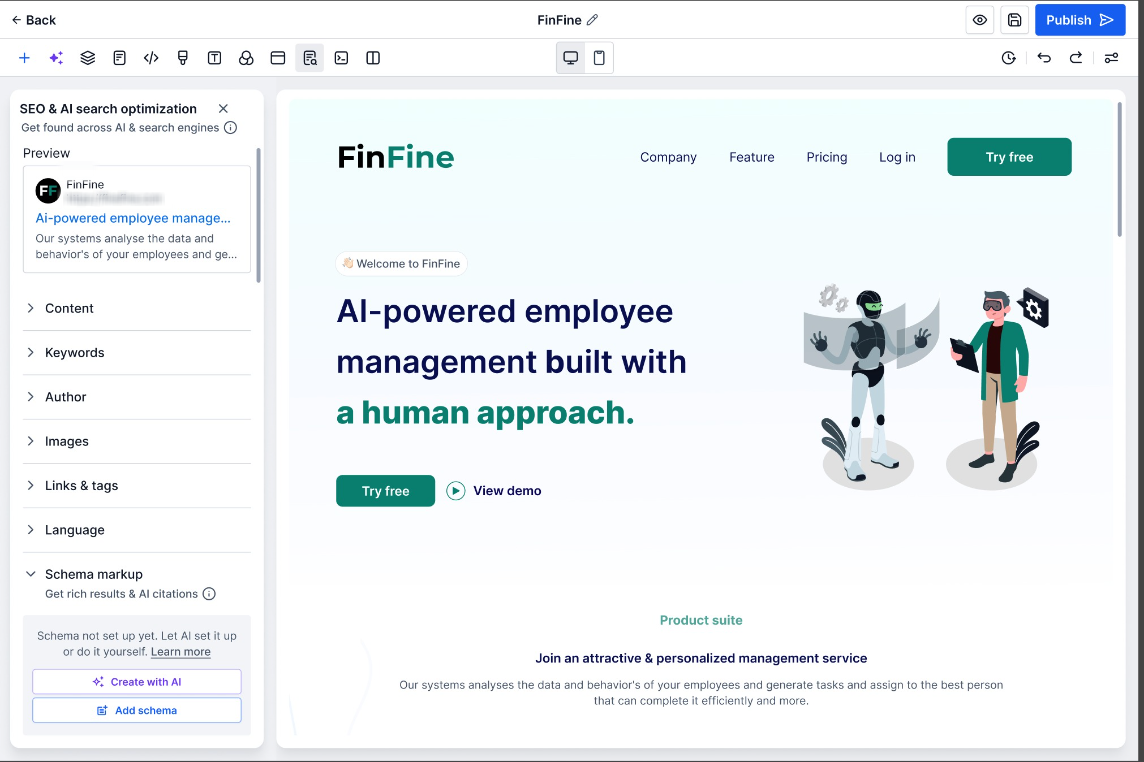
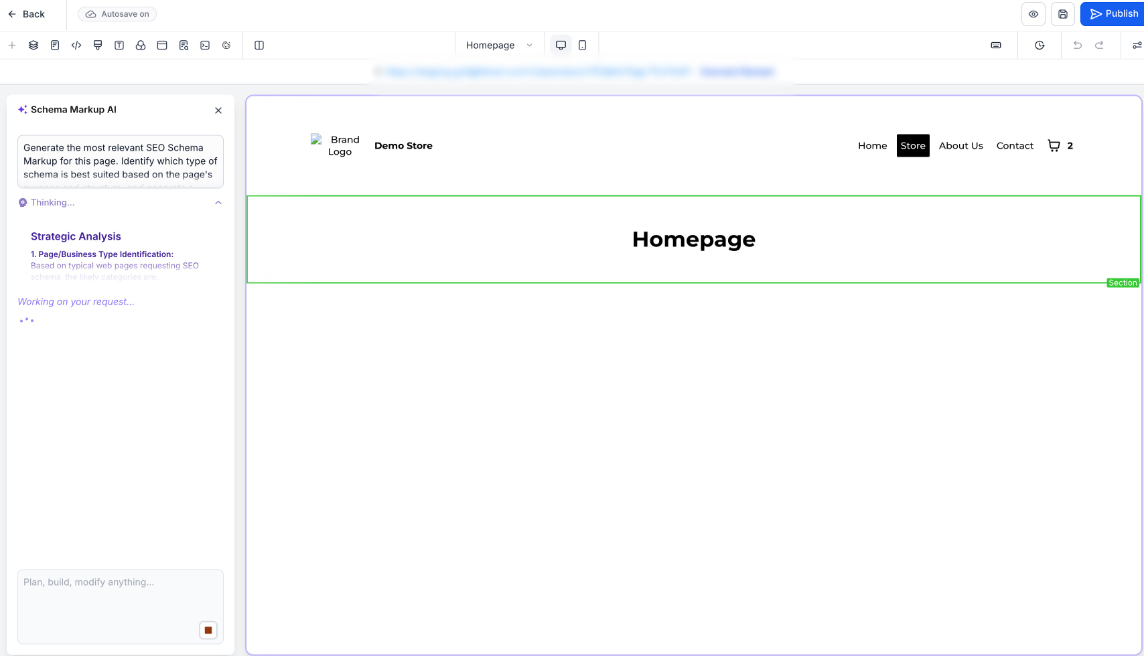
- AI reads page content and generates applicable schemas with pre-populated fields
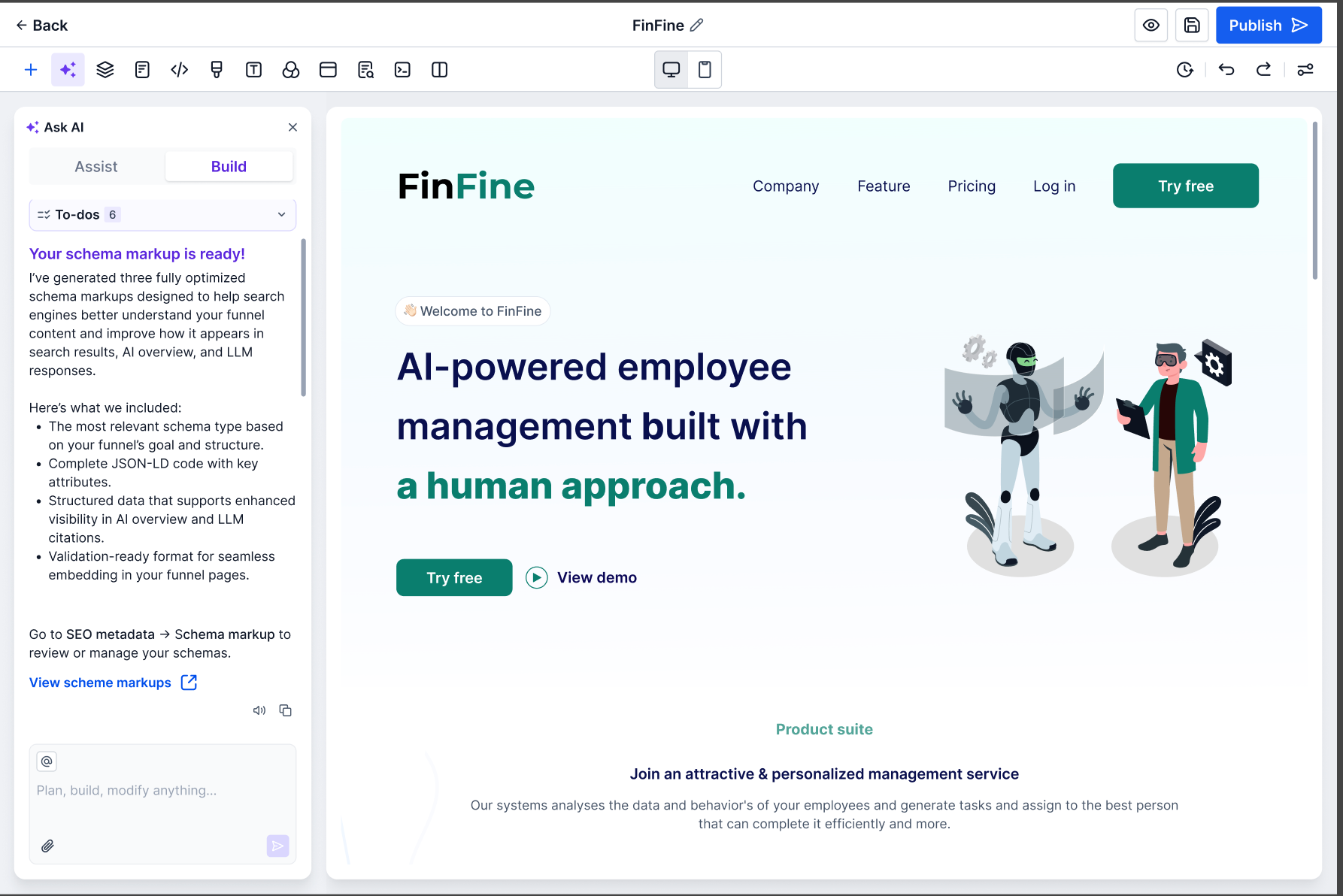
- Optionally refine via chat — add, remove or modify schemas
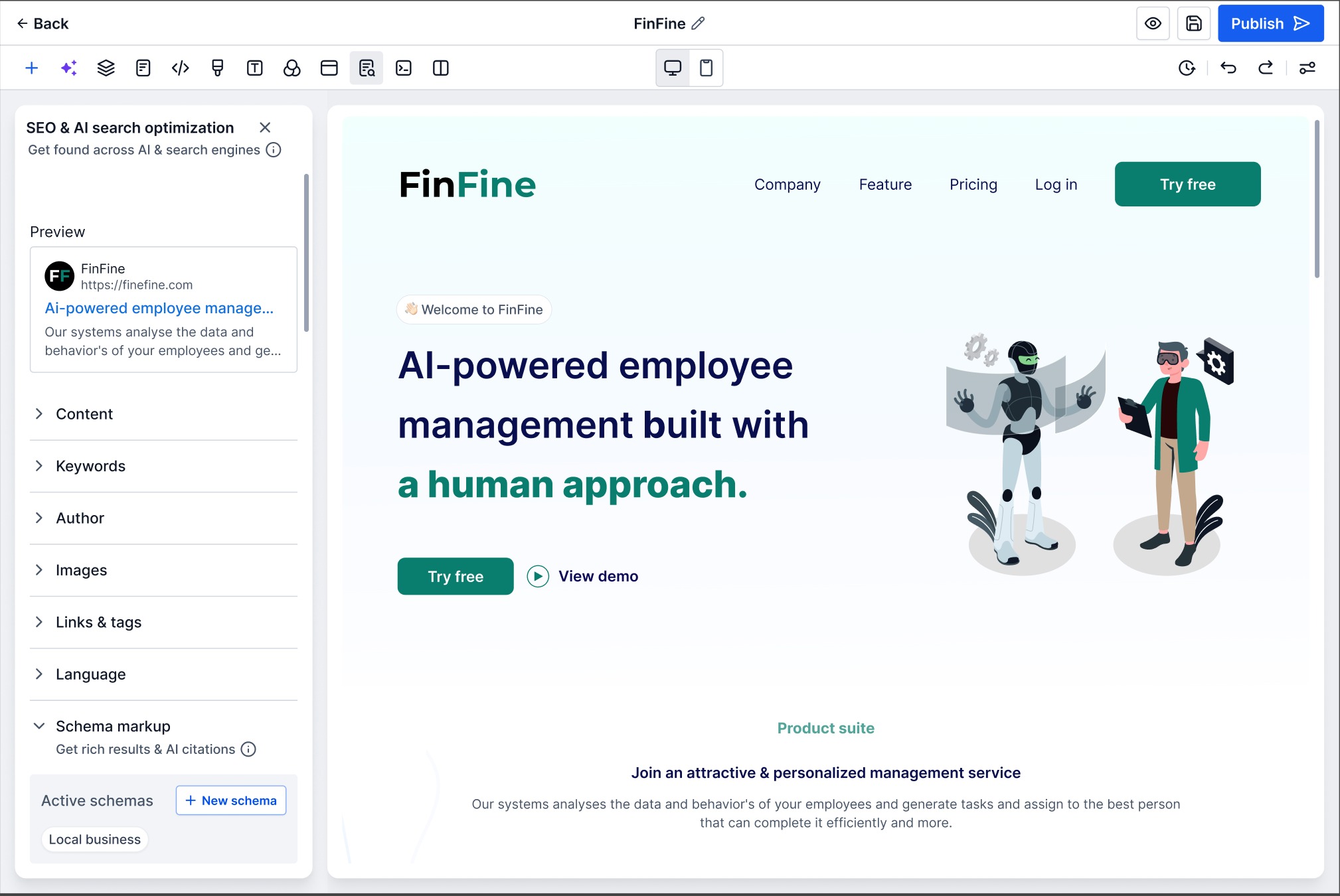
- Schemas are auto-saved after validation — review under Schema Markup → Active Schemas
- Publish the page to push schema live in the page <head>
Good to Know
- Schema is NOT auto-generated when creating a new page with AI — trigger it separately after content is finalised
- If the page has no content, AI will show an error and will not generate schemas
- Schema is page-specific — it does not carry over to other pages or funnel steps
Was this article helpful?
That’s Great!
Thank you for your feedback
Sorry! We couldn't be helpful
Thank you for your feedback
Feedback sent
We appreciate your effort and will try to fix the article